Best SEO Tools for Small Businesses: 9 Picks by Task
The best SEO tools for small businesses start with a free core: Google Search Console, Google Analytics and Google Business Profile. Add one paid research tool only after those three show you where traffic stalls. If you run a vacation rental site, add inkSTR, which handles keyword research, article writing and scheduled publishing so the work actually gets done each week.
Key Takeaways
- A free core of Google Search Console, Google Analytics and Google Business Profile covers measurement for most small sites in 2026.
- Buy one paid research tool, not three. Semrush suits deep competitor work; Ubersuggest suits non-technical owners.
- Screaming Frog finds broken links, orphaned pages and title issues; Yoast SEO handles on-page settings on WordPress.
- Google Trends shows seasonality, which matters most for rental markets with distinct peak and shoulder months.
- Tools measure and diagnose. Ranking still depends on publishing useful pages consistently, which is the step most owners stall on.
- inkSTR automates keyword research, article drafting, scheduling and one-click publishing to Wix and WordPress for short-term rental operators.
This list is for owners who run their own marketing, such as independent hosts and boutique property managers, and for small business owners who want search traffic without hiring an agency. Most small business owners have only a few hours a week to spend on marketing, and that limit shapes every recommendation below. A tool you will not open weekly is a tool you should not buy.
At inkSTR, we see the same pattern across the rental sites we work with: the owners who stall are rarely missing a tool. They are missing a routine. We ordered the picks below by the task each tool performs, and each entry names a trade-off.
1. Google Search Console: The Free Starting Point
Google Search Console is a free Google tool that shows which queries and pages earn impressions and clicks, and whether Google has indexed your pages. You publish a page and wait weeks, and you cannot tell whether silence means a ranking problem or an indexing problem.
Without it you guess. Plenty of hosts check Airbnb dashboards daily yet have no data on their own website. The caveat: the data shows what you already earn, not the keywords you are missing, and reports lag by a couple of days.
We built inkSTR to connect to Search Console, so keyword movement and new opportunities surface inside the dashboard without CSV exports. You open the project, see which articles gained impressions this month, and queue follow-up posts on the queries that sit on page two. For one Smoky Mountains cabin brand, monthly Google clicks grew from 788 to 5,730 over 13 months, measured in Search Console and Google Analytics.
2. Google Analytics: Where Traffic Becomes Bookings
Google Analytics is a free tool that records what visitors do after they arrive: pages viewed, time spent, and conversions you define. The problem it solves is traffic with no reservations, where you cannot see which page lost the visitor.
The insider snag is attribution. When your booking engine sits on a separate domain, sessions can look like referrals unless you configure cross-domain measurement. Many small sites skip this and then misread their own funnel.
inkSTR writes articles with internal links that point readers toward your booking pages, using anchor text matched to the property or market the post covers. Analytics then shows which post sends visitors to checkout, and that tells you what to write next. Compare the top three posts by booking-page clicks each month, then ask inkSTR for more articles on those topics and locations.
3. Google Business Profile: Local Visibility
Google Business Profile is the free listing that controls how a business appears in Google Maps and local search results. If you manage rentals from an office or serve a defined area, an unclaimed profile hands local searches to competitors, and a stale one does the same.
Check Google's eligibility rules first. A single host renting out a private home may not qualify, while a property management company with a real service area usually does. Profile upkeep is a recurring chore: hours, photos, categories and review replies all need attention.
Profile signals work best when your site backs them with local pages. inkSTR generates location-grounded articles for each market you serve, naming real neighborhoods, attractions and seasons, so the page you link from your profile has content that matches the listing. Our write-up on the local signals Google weighs for direct booking sites explains how the two reinforce each other.

4. Semrush: The All-in-One Suite
Semrush is a paid SEO suite combining keyword research, competitor analysis, site audits and backlink tracking in one login. You need it when you must see which keywords a rival ranks for that you do not.
The agitation is cost and sprawl. Owners pay for a suite, open two reports, and leave the rest idle. It also hands you data, not a plan: you still have to write the pages.
For rental operators, we built inkSTR to fold keyword research and competitor gap analysis into the content pipeline itself, so the output is an article queue rather than a spreadsheet. You enter your market, inkSTR surfaces the gaps, and each gap becomes a topic you can drag onto the calendar. Choose a suite like Semrush when you run several non-rental sites or an agency practice.
5. Ubersuggest: Lightweight Keyword Research
Ubersuggest is a keyword and site analysis tool with a free tier, aimed at owners who find enterprise suites intimidating. Its simple interface suits the non-technical owner who wants ideas and rough difficulty scores in an afternoon.
The trade-off is depth. Volumes are estimates, free searches are capped, and competitor data is thinner than in a full suite. Treat the numbers as direction, not precision.
Most hosts we talk to do not need more keyword data; they need keywords turned into posts. inkSTR's research chat answers keyword and competitor questions on demand, such as which lake-house queries a rival ranks for, and the same plan feeds straight into article drafts. You skip the export step and go from question to scheduled post in one workspace.
6. Screaming Frog: The Technical Crawler
Screaming Frog SEO Spider is a desktop crawler that reports status codes, broken links, orphaned pages, and title and meta description issues across your site. Use it when pages exist but Google seems to ignore them.
It has a free version with a crawl limit and a paid license beyond that. The catch is interpretation: the crawl returns long lists, and a beginner cannot tell a cosmetic warning from a ranking problem. Budget an hour to learn it.
Orphaned pages are a frequent blog problem, since posts nobody links to rarely rank. inkSTR's internal link management points each new article at your primary pages and at sibling posts on the same topic, so fewer pages end up stranded. Run a crawl quarterly to confirm the links hold. You can read the crawler's official page for current limits.
7. Yoast SEO: On-Page Control for WordPress
Yoast SEO is a plugin for WordPress that manages titles, meta descriptions, XML sitemaps and readability checks. Rank Math is a comparable alternative. Either one removes the guesswork from page-level settings.
A green traffic light does not mean a page will rank. Plugins cannot rescue thin content, and they do nothing for owners on Wix. Many sites show perfect scores and still draw no clicks.
That is the gap we designed inkSTR around: it writes the article and publishes it to WordPress or Wix in one click, while your plugin handles site-wide settings. The workflow is short. You approve the draft, pick the publish date, and the post goes live with its title and description already filled in. You can test how your titles will display with a Google SERP Simulator before publishing.
Ready to automate your content marketing?
inkSTR handles keyword research, content strategy, article writing, and publishing, all on autopilot.
8. Google Trends: Seasonality Before You Write
Google Trends is a free tool that charts relative search interest over time and by region. For rentals it answers a timing question: when do travelers start searching for ski cabins or lake houses, and when do you need the page live?
Trends shows an index, not search volume, so never use it to size a market. And publishing a ski guide the week snow arrives is already late; pages need weeks to be crawled and ranked.
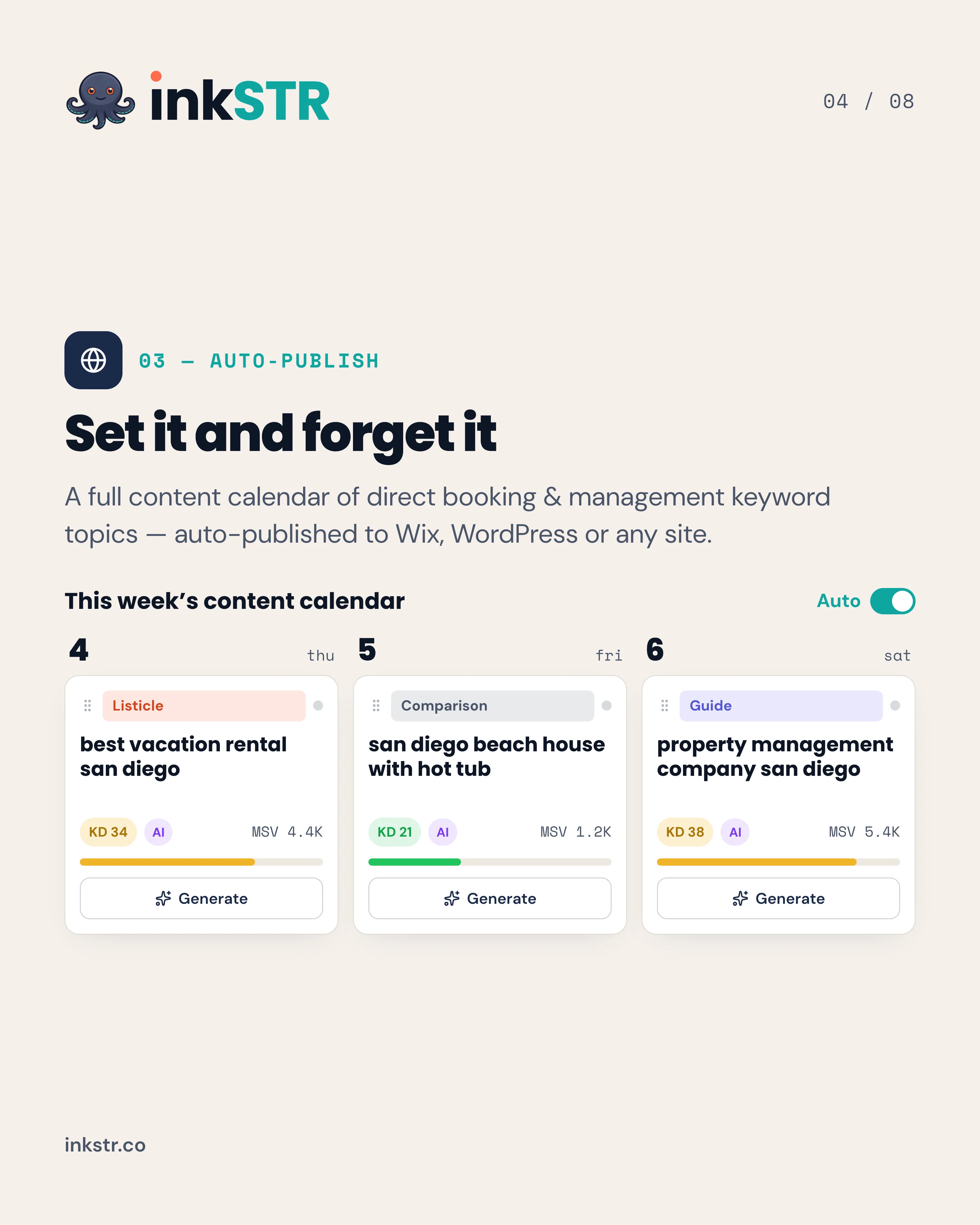
inkSTR's content calendar solves the timing half. You drag topics onto dates, and articles go out automatically ahead of your peak. A ski-town host can load November through February topics in September and leave the calendar alone. We cover the same idea for small portfolios in our guide to SEO tools for small property management companies.

9. inkSTR: Research, Writing and Publishing in One Pipeline
inkSTR is an AI-driven SEO content platform built only for short-term rental operators and property managers. It handles keyword research, competitor analysis, article generation (2,500 to 3,500 words, built for Google and AI search citation), a drag-and-drop calendar, and one-click publishing to Wix and WordPress.
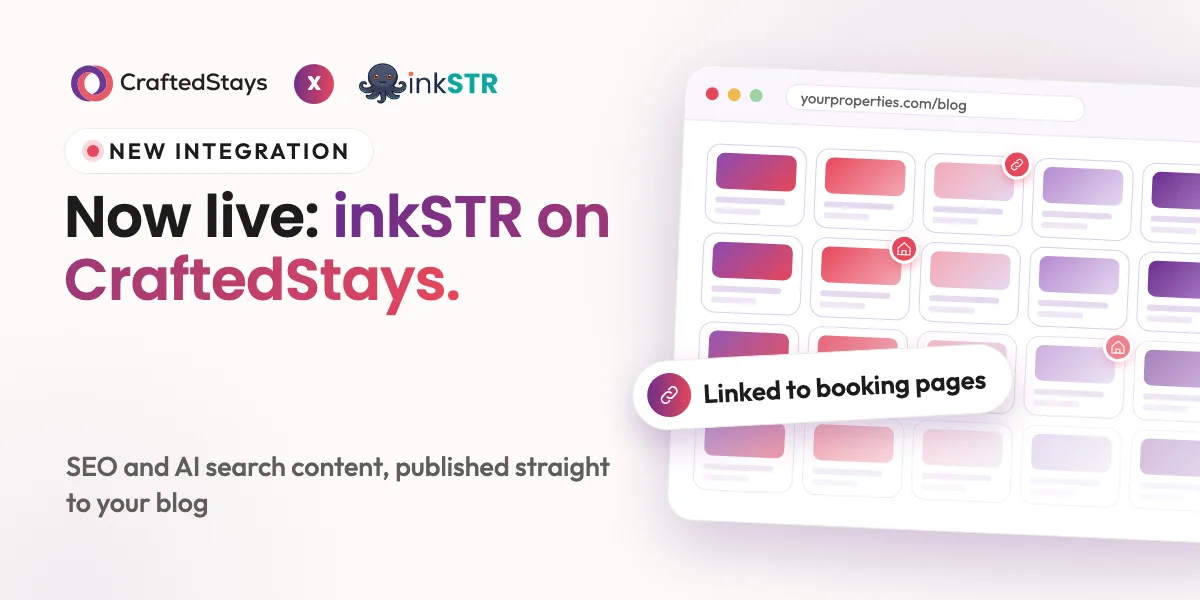
The manual alternative is steep. One quality post takes 3 to 5 hours of research and writing, and a freelance travel writer charges $300 to $700 per post. As of November 2026, across inkSTR customer sites, we have published more than 6,300 articles. The CraftedStays integration shows how publishing connects to booking pages.
Honest fit note: inkSTR serves rentals and hospitality only, so a plumbing company should pick a general tool. It also does not replace a crawler for deep technical audits. See the full feature list or how the workflow runs from keyword to published post.
Which of the Best SEO Tools for Small Businesses Fits Your Budget?
A small business SEO stack is the smallest set of tools that covers measurement and research, and it must also handle publishing. Start with the free core, add one research tool, and keep a content engine in every tier. Check each vendor's site for current prices, because plans change.
| Tool | Cost model | Skill level | Best for |
|---|---|---|---|
| Google Business Profile | Free | Beginner | Local and map visibility |
| Semrush | Free plan plus paid tiers | Intermediate | Competitor and backlink research |
| Yoast SEO | Free version plus premium | Beginner | WordPress on-page settings |
| inkSTR | Subscription; see current plans at inkstr.co | Beginner | Rental keyword plans, articles, publishing |
A Decision Framework by Stage
- Starter: Search Console, Analytics, Business Profile, Yoast SEO if you use WordPress, and inkSTR for the writing and publishing you have no time for.
- Growth: add Ubersuggest or Semrush for competitor research, and keep inkSTR running the weekly article queue.
- Scale: add Screaming Frog for periodic audits; inkSTR's multi-project pipelines cover each property or brand, and our post on competitor analysis tools for operators covers the research layer.
Choose an all-in-one suite when you want one login and have the time to use it. Choose point tools when you only need one job done. For vendor-lock concerns, favor tools that export your data. Moz Pro is another suite worth a look at moz.com.
How Do You Set Up Your SEO Stack in 30 Days?
A 30-day setup is a four-week sequence that moves you from zero measurement to a recurring publishing routine. Without a sequence, owners install five tools in a weekend and open none of them again. Follow these steps in order.
- Week 1: Verify your site in Search Console, install Analytics, and claim or audit your Business Profile.
- Week 2: Install Yoast SEO or Rank Math if you use WordPress, then run one crawl to fix broken links.
- Week 3: Build a keyword plan by market and traveler intent, using Ubersuggest, Semrush or inkSTR's keyword research.
- Week 4: Schedule a month of articles in a content calendar and set a monthly Search Console review.
You can start a free trial and have the week 3 and 4 steps running the same afternoon. Our guide to SEO stacks by budget goes deeper on pricing tiers.
Frequently Asked Questions
Search Console is enough for measurement, but not for finding new keywords or producing pages. It tells you what you already rank for. You still need a research method and a publishing routine, which is where inkSTR fits for rental sites.
Which SEO tools offer free plans or trials?
Google Search Console, Google Analytics, Google Business Profile and Google Trends are free. Semrush and Ubersuggest offer free access with limits, and Yoast and Screaming Frog have free versions. Check each vendor's current terms, and you can start a free trial of inkSTR from our start page.
What tools automate an AI content pipeline from keyword research to WordPress publishing and reporting?
inkSTR covers that chain for short-term rental sites: keyword research, article generation, calendar scheduling, one-click WordPress or Wix publishing, and Search Console tracking. Most general tools cover only one or two of those steps, so you end up stitching them together by hand.
Which AI platforms are best for visibility enhancement?
Look for platforms that structure content for AI citation: answer-first sections, clear entities and clean headings. inkSTR writes for Google and for AI answers, and as of November 2026 we have secured more than 1,700 verified AI-search citations for customer content.
What SEO tasks help a short-term rental site rank?
Location-and-intent articles and clean internal links to booking pages do most of the work. Business Profile upkeep and a steady publishing cadence add to it. Our piece on automated SEO tools for operators shows which tasks to automate first.
What affordable SEO software works for small property managers?
Start with the free Google tools, then add one paid tool. A small manager benefits from inkSTR for property management, since each property or brand gets its own pipeline. Compare current plans before committing.
Your Next Step
The best SEO tools for small businesses in 2026 are a short list: free Google tools for measurement, one research tool, and a system that gets articles published. Install the free core this week, then decide how you will produce content every week after that.
If you want steady organic traffic and more direct bookings without writing every post yourself, Start Free Trial with inkSTR. We build a keyword plan, draft each article in your own voice, and publish on your calendar to WordPress or Wix. Queue your first month of posts today.
Content powered by inkSTR.co
Enjoyed this article? Share it:
Get more of inkSTR in Google Search
Add inkstr.co as a preferred source and our articles show up more in Top Stories, AI Overviews, and AI Mode, with a “Preferred” badge.
Get more guides like this
New SEO and AI-search guides, straight to your inbox. No spam, unsubscribe anytime.