How to Write Guest-Focused Blog Content That Converts
To write guest-focused blog content that converts, answer one specific question a prospective guest is searching, prove it with real details from your property, and link to your own booking page. At inkSTR, we build AI content tools for short-term rental operators, and this seven-step process is the one we follow.
Key Takeaways
- Guest-focused content starts with a defined guest type, such as couples on a weekend getaway or families with young children, not with a keyword.
- Each post should serve one search intent and one conversion goal, such as checking dates on your direct booking page.
- A single direct booking is typically worth $1,000 to $4,000 in revenue, while Airbnb host and guest fees combined take 17 to 19% of each booking.
- Put one contextual call to action in the middle of the post and one at the end, linked to a specific page, not your homepage.
- Tag every blog-to-booking link with UTM parameters and read results in GA4 and Google Search Console, knowing attribution is imperfect.
- inkSTR automates keyword research, article drafting, scheduling, and one-click publishing to Wix and WordPress, so guest-focused posts go live on a steady cadence without you writing each one.
Most vacation rental blogs fail in a predictable way. They publish pleasant posts about a destination, collect a few page views, and send no one to the booking page. In 2026, with AI-written filler everywhere, a blog that speaks to a specific guest earns attention that generic content cannot.
The cost of getting this wrong is real. According to MarketingCharts (2026), 51% of small business owners and operators said creating content, including writing copy and finding images, was among their most time-consuming marketing tasks. You do not have spare hours to spend on posts that never convert.
This guide walks through seven steps, from defining your guest to tracking bookings, followed by the mistakes that quietly kill results. Each step shows the manual version and where inkSTR removes the grind.
Step 1: Who Is the Guest Your Blog Should Speak To?
A guest persona is a short description of one type of traveler, built from the questions that traveler asks before booking. It tells you what to write, what to leave out, and which property details to highlight. Without one, every post drifts toward generic travel copy.
The usual mistake is writing for everyone. A post that tries to charm couples, large families, remote workers, and dog owners at once gives none of them a reason to book. You then spend hours drafting, or pay a freelance travel writer $300 to $700 per post, for copy that could describe any rental in any town.
Start with what you already own: your guest messages and reviews. Note which questions arrive before booking (parking, trailhead distance, workspace quality, pet rules) and which details guests praise afterward. Pick two or three personas and write each down in one sentence.
This is where inkSTR earns its place in our own workflow. We built the PMS integration with Hospitable and OwnerRez so reviews and photos feed into the content. Guest data flows in as well, which means your persona comes from real guest language rather than assumptions. For more on shaping posts around your hosting situation, see our guide on creating content for Airbnb hosts that books direct.

Step 2: Which Search Intent Should Each Post Serve?
Search intent is the reason behind a query, and for vacation rentals it falls along the guest's planning journey. Early searches ask where to go or what to do. Late searches compare areas or properties. Each stage needs a different post and a different next step.
Operators often skip this and write only summer-weekend content. The result is a blog that fights every competitor for the same peak-season terms while the quieter searches go unanswered. A lake house in the off-season needs content for the weekend-getaway search, not the July family reunion search.
| Guest stage | Example question | Best next step |
|---|---|---|
| Planning | What is there to do in a mountain town in fall? | Link to a related area guide or email signup |
| Comparing | Which area is better for a group with young children? | Link to the property page that fits that group |
| Ready to book | Cabin near the trailhead that allows dogs | Link to availability for specific dates |
The manual way to find these queries is spreadsheet keyword research paired with competitor checks. The rest is guesswork. Our keyword research feature finds the terms your target guests actually search and shows competitor gaps. If you want topic ideas to start from, our list of vacation rental blog topics that drive bookings is a good companion.
Step 3: How Do You Write Guest-Focused Blog Content That Converts Around One Goal?
A conversion goal is the single action you want a reader to take after the post: check dates, join your email list, or open a specific property page. Guest-focused posts convert when they ask for one action, placed where the reader's question has just been answered.
Posts with three competing buttons and a vague "learn more" convert poorly because the reader has to decide what you want. You pay for that confusion twice: once in the hours spent writing, and again in the 17 to 19% Airbnb takes from every booking those readers make there instead of with you.
Match the goal to the stage from Step 2. A planning post can offer an email signup. A comparison post sends readers to the best-fit property. A ready-to-book post goes straight to dates. Our direct bookings page explains how that content path fits into a wider direct-booking strategy.
Two copy frameworks help. Problem, Agitate, Solve (PAS) suits posts that open on a guest frustration, such as finding a pet-friendly stay near a trailhead. AIDA (attention, interest, desire, action) suits destination posts that build a picture before asking for the click. When you draft, inkSTR's content writer builds each article around one keyword and one internal link target, so the goal is set before the first paragraph exists.
Step 4: How Should You Structure a Post Around the Guest's Question?
A guest-focused post answers the headline question in its first two sentences, then supports the answer with local specifics and honest trade-offs. Details from your own property back it up. This structure suits both Google readers and AI engines that quote the opening of each section.
The painful alternative is a four-hour blank-page session that ends with adjectives like "charming" and "stunning." Guests skim past them, and search engines have no reason to prefer your page over a thousand identical ones. Unedited generic AI text has the same weakness.
Write each H2 as a question a guest would type. Then replace adjectives with checkable detail: which trailhead, how long the drive takes, which restaurant is worth a reservation, and what to skip because of crowds or seasonal closures. Naming a downside builds more trust than praise does. Our guide to local area guides that sell shows how to turn that local knowledge into bookings.
In one case, a Smoky Mountains cabin rental brand (Hemlock Hills) grew monthly Google Search clicks from 788 to 5,730 in 13 months. It used an inkSTR pipeline of answer-first articles grounded in real property data. Google Search Console measured the results. That is the method behind our AI content writer, which drafts articles of 2,500 to 3,500 words with your property details built in, so you edit and approve rather than start from nothing.

Step 5: Where Should the Call to Action Go in a Vacation Rental Blog Post?
The best call to action placement is one contextual link in the middle of the post, right after the section that answers the guest's question, plus one closer at the end. Link to a specific page, such as a property or availability page, not your homepage.
Most operators bury a single "book now" line in the footer or send everyone to the homepage. A guest who just read about a quiet trailhead cabin lands on a page of twenty listings and leaves. Your blog did its job and your booking page threw the result away.
Make the link sentence specific: "If a short drive to the trailhead matters, here are the open dates for the cabin closest to it." That reads as help, not an advertisement. Also check that the destination page loads quickly on a phone and shows dates and price without a scroll; our piece on booking page conversion optimization covers what to fix when views never turn into reservations.
Handling this by hand across many posts is tedious. inkSTR's internal link management lets you set primary booking and inquiry pages once, then routes each new article toward them. Every post then carries a purposeful next step. Hemlock Hills used this same setup while its monthly clicks climbed from 788 to 5,730.
Ready to automate your content marketing?
inkSTR handles keyword research, content strategy, article writing, and publishing, all on autopilot.
Step 6: How Do You Publish Consistently Without Writing Every Post?
Consistent publishing means releasing guest-focused posts on a fixed schedule, so search engines and guests see an active, current site. The practical requirement is a calendar, a platform that publishes without manual formatting, and a plan for updating older posts.
Writing one quality post manually takes 3 to 5 hours of research and writing. Add formatting and images, and a content plan collapses around week two. Uploading finishes it off. Then the blog sits untouched, and a competitor who kept publishing takes the search results you wanted.
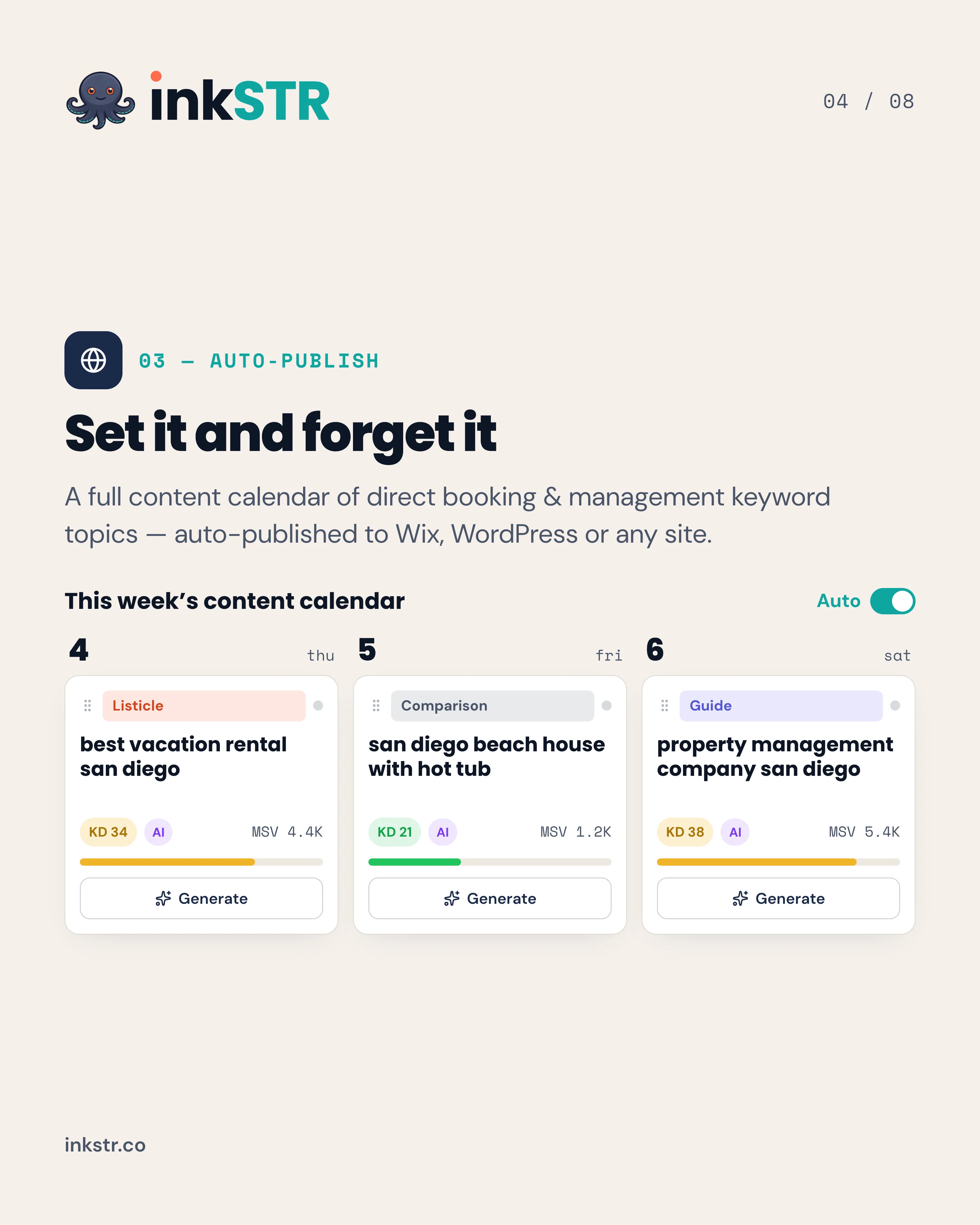
Pick the platform your direct booking site already runs on, whether Wix or WordPress. Keeping the blog on the same domain as your booking page matters more than any platform feature. Our content calendar lets you drag an article to Tuesday, and the scheduler publishes it to your site through auto-publishing. Plans start at $99/month; see pricing for details.
Plan updates too. Refresh a post when it still ranks but facts have changed, such as hours, prices, or seasonal details. Rewrite it when the guest's question has shifted or the original answer was thin. A refresh keeps the URL's history; a rewrite replaces the substance.

Step 7: How Do You Track Whether a Post Converts Guests?
Tracking blog conversions means tagging links from posts to your booking pages with UTM parameters, then reading clicks and bookings in Google Analytics 4 (GA4) while watching query data in Google Search Console. Together they show which posts bring guests and which only bring readers.
Without tracking, you judge a blog by page views, which look healthy while bookings stay flat. You end up repeating the posts that feel good instead of the ones that earn reservations.
Use consistent naming. For example, set the source to blog, the medium to content, and the campaign to the post's slug. In Google Analytics, mark the booking-page click and the completed booking as key events, then compare them by campaign.
| Tool | What it tells you |
|---|---|
| Google Search Console | Which queries and pages earn impressions and clicks |
| GA4 with UTM tags | Which posts send guests to booking pages |
| Your booking system | Which sessions ended in a reservation |
Be honest about limits. Guests often read a post on a phone and book days later on a laptop, so attribution undercounts. Look for trends across posts, not exact figures per post. The Hemlock Hills result came from Search Console click data, which shows what attribution tools miss. inkSTR connects Google Search Console, which flags keyword opportunities and shows rankings, so the research side of this step needs no spreadsheet.
What Mistakes Kill Guest-Focused Blog Conversions?
The mistakes that most often kill conversions are writing for no one in particular, offering several competing actions, linking to the homepage, and publishing in bursts. Each is easy to fix once you see it.
- Generic destination copy. Posts that list "top attractions" without specifics read like every other page and give guests no reason to choose your property.
- Too many calls to action. Pick one goal per post and let the rest of the page support it.
- Homepage links. Send readers to the page that matches the question they just read.
- No tracking. If links carry no UTM tags, you cannot tell which posts earn bookings.
- Stop-and-start publishing. A few posts in a burst followed by silence builds little authority.
Generic content is the most expensive of these, a point we expand on in our article on why generic travel content kills conversions. A page that could describe any cabin in any town gives Google no reason to rank it and gives a guest no reason to click through to your dates. Fixing it means adding one checkable fact per section, such as a drive time or a trailhead name.
Managing many properties makes the problem worse, because posts for different markets start to sound alike. That is why inkSTR gives each property or brand its own pipeline, so one market's posts do not blur into another's. Set up each pipeline with its own persona, keyword list, and booking page, and the posts stay distinct from the first draft onward.
Frequently Asked Questions
What makes a vacation rental blog post convert readers?
A post converts when it answers a specific guest question, supports the answer with real local and property details, and offers one clear next step. The call to action should link to a relevant page, such as available dates for a specific property. Our piece on why blog content fails to convert visitors into guests covers the usual causes.
How long should a guest-focused blog post be?
Length should follow the question, not a fixed target. A simple question may need a short answer, while a destination guide or comparison needs more depth. inkSTR generates articles of 2,500 to 3,500 words when a topic calls for full coverage.
What is the difference between refreshing and rewriting content?
A refresh updates facts and links in a post that still matches what guests are searching for. It also brings the details up to date. A rewrite rebuilds the post when the search intent has changed or the original answer was thin. Refresh when traffic is slipping on a post that still fits; rewrite when the post no longer answers the question.
Can AI write guest-focused blog content that ranks?
AI can draft it, but the draft needs real property details and honest local specifics before it earns trust. A human edit finishes the job. Generic AI text with no experience behind it is the weak case. inkSTR grounds drafts in your reviews and photos, along with guest data from your property management system. It runs quality scoring before publishing.
What tools automate an AI content pipeline from keyword research to WordPress publishing and reporting?
inkSTR covers that full path: keyword research and competitor analysis, article drafting, a drag-and-drop content calendar, one-click publishing to Wix and WordPress, and Google Search Console integration for tracking. You can see the full workflow on the how inkSTR works page.
How can destination guides increase direct bookings?
Destination guides catch guests early in planning, when they are still choosing where to go. If the guide includes honest local detail and links to the property that fits that trip, it turns research into a booking on your own site. Without that link, you have only built traffic.
How do guest personas shape vacation rental content?
A persona decides which questions you answer and which property features you stress. A post for remote workers leads with internet and workspace; one for families leads with sleeping arrangements and safety. You can start a trial on the inkSTR start page and build topics around each persona.
Conclusion
Writing guest-focused blog content that converts comes down to choosing a guest, answering one of their questions with real detail, and giving them one clear next step toward your own booking page. In 2026, the operators who keep doing this on a schedule build a traffic source they own, and the direct bookings that follow are worth far more than the fees they avoid.
Here is the process in order:
- Define the guest persona from your reviews and pre-booking questions.
- Match each post to a search intent and funnel stage.
- Give each post one conversion goal.
- Open with the answer, then add local specifics and honest trade-offs.
- Place one mid-post link and one closing link to a specific page.
- Publish on a fixed calendar and refresh or rewrite older posts as needed.
- Tag links with UTM parameters and review GA4 and Search Console.
If you want a blog that sends readers to your booking page without you writing every post, Start Free Trial with inkSTR. We draft keyword-targeted articles grounded in your property data, schedule them in the content calendar, and publish them to Wix or WordPress automatically. Connect Google Search Console and you can watch the results build over the coming months.
Content powered by inkSTR.co
Enjoyed this article? Share it:
Get more of inkSTR in Google Search
Add inkstr.co as a preferred source and our articles show up more in Top Stories, AI Overviews, and AI Mode, with a “Preferred” badge.
Get more guides like this
New SEO and AI-search guides, straight to your inbox. No spam, unsubscribe anytime.