Blog Automation Tool for WordPress Rental Sites: Best Fit
The best blog automation tool for WordPress rental sites is one built for rentals that also publishes to your existing WordPress site on a schedule. inkSTR does both: it researches keywords, writes in your voice using real property details, and posts to WordPress without copy and paste. Generic plugins can publish, but they rarely know your properties.
Key Takeaways
- Pick a tool by four tests: it publishes to your existing WordPress site, writes with rental-specific context, lets you choose draft or auto-publish, and shows total cost.
- A rental-specific tool can draw on property photos, reviews, and PMS data; many general WordPress plugins work only from topics you type in.
- Software subscriptions and AI-provider charges are separate line items for many plugins, so ask for both before you compare prices.
- Reviewing drafts before they go live is a legitimate choice. Match your review level to how often your amenities, rates, and local details change.
- A freelance travel writer charges $300 to $700 per quality post and manual writing takes 3 to 5 hours per post, which is why most rental blogs stall within weeks.
- inkSTR automates keyword research, drafting, scheduling, and one-click WordPress publishing, so your blog keeps running while you manage guests.
This guide is for owners and managers whose rental site already runs on WordPress and who want a blog that publishes without eating the week. In 2026 the choice sits between a rental-specific platform, a general-purpose WordPress plugin, or a freelance writer. Each differs on how posts reach your site and how much the tool knows about your properties.
At inkSTR, we see the same pattern in the content programs we build: the sites that keep publishing are the ones where nobody has to copy, paste, or format anything. Every reservation that arrives through your own site instead of Airbnb or VRBO skips combined host and guest fees of 17 to 19 percent, and a single direct booking is typically worth $1,000 to $4,000 in revenue. That is the job your blog has, and it is why our approach to direct bookings starts with content that reaches travelers before they open an OTA.
What Is the Best Blog Automation Tool for a WordPress Rental Site?
A blog automation tool for a WordPress rental site is software that researches keywords and writes articles, then publishes them to your WordPress blog on a schedule. The best one passes four tests: it publishes to your existing site, knows rental context, lets you choose review or auto-publish, and shows total cost.
Most owners start in a plugin directory, and that is where the trouble begins. Plugins that promise hands-free blogging usually write for any business. A post about summer activities lands on your cabin site with no mention of your hot tub or your trailhead access. It ignores the guests who actually book you. Writing the post yourself takes 3 to 5 hours, and a freelance travel writer charges $300 to $700 per quality post. Most owners publish a handful of posts and quit.
We built inkSTR for that gap. Its Keyword Research finds the searches travelers make before they choose a platform, and its AI Content Writer drafts full articles around those searches in your project's writing style. One pipeline then carries each article to WordPress, instead of a research tool and a writing tool joined to a publishing step stitched together by hand.
Does a Blog Automation Tool Publish to Your Existing WordPress Site?
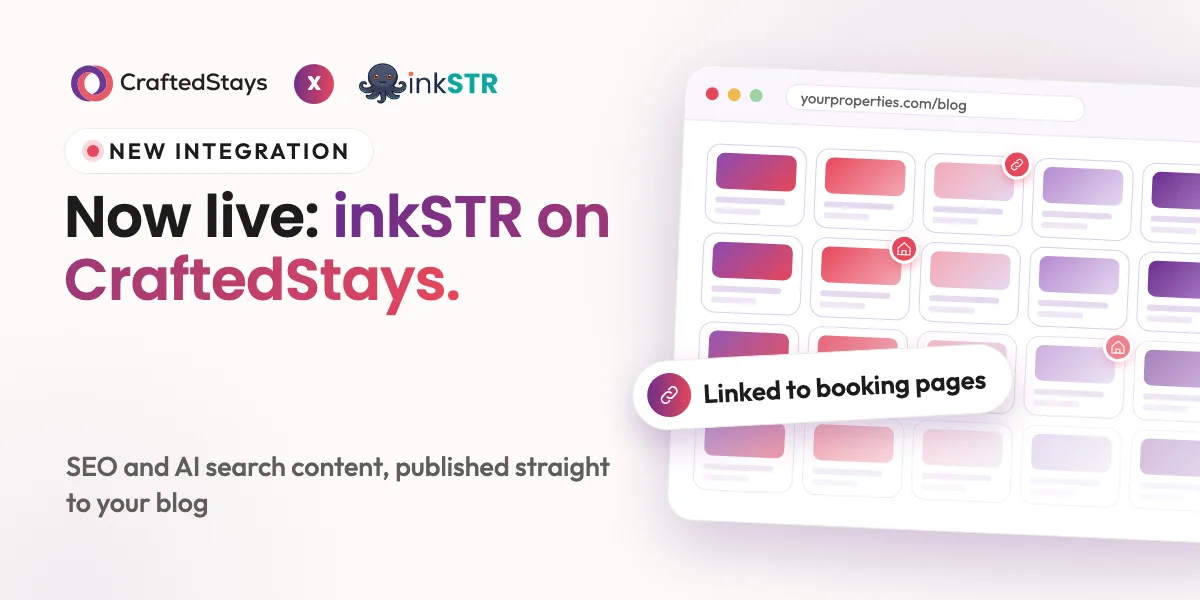
A WordPress-compatible blog tool publishes finished articles directly to the WordPress site you already run, using your theme, your URL structure, and your categories. Some rental platforms instead host the blog on their own domain, which splits your search authority. Confirm this before you pay for anything.
Copying a draft from a dashboard into the WordPress editor looks like a two-minute job. Then you add formatting, a featured image, a meta description, internal links, and a category, and the chore repeats for every post on your calendar. This is the step where most blogging routines die, usually in the second month.
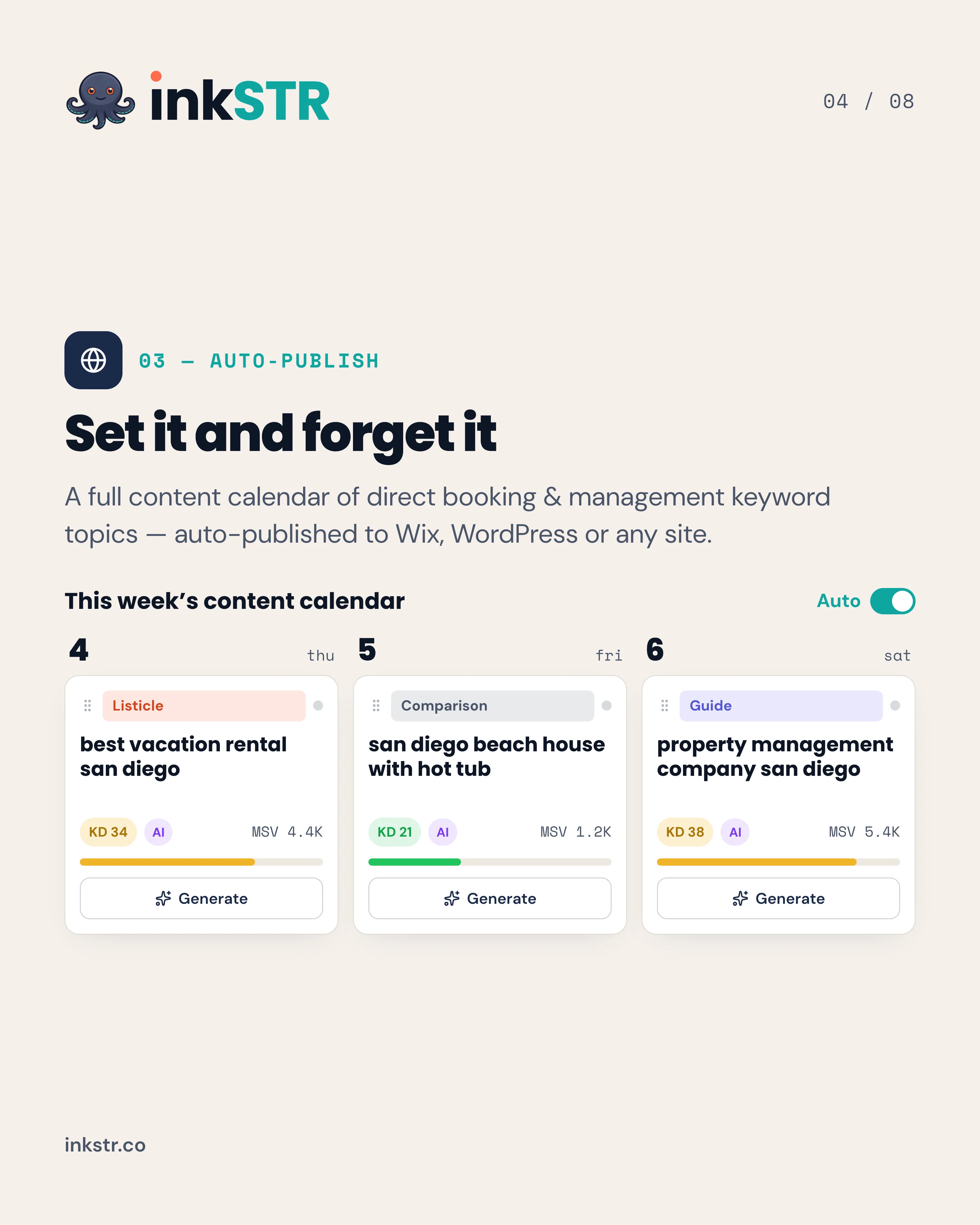
That is why inkSTR handles scheduling and publishing as one motion. Our Content Calendar is a drag-and-drop view where you queue a month of posts at once, and Auto-Publishing sends each article to WordPress with one click, so you stop copying and pasting. Wix works the same way, which helps if you manage a mixed portfolio. You can see the full path from keyword to live post on how inkSTR works.
How Rental-Specific Is the Content, and Can It Use Your PMS Data?
Rental-specific content is writing grounded in your actual properties and your guest reviews, and it reflects your local market rather than generic travel copy. The test is simple: can the tool use your property details and photos along with your PMS data, or does it only work from topics you type in? Many general plugins do the second.
A generic AI post about things to do near a lake house reads the same on every competitor's site, so Google has no reason to rank yours. Worse, it can state amenities or distances that you never verified, and it can add local recommendations you never checked either. Guests who arrive expecting a feature you do not have leave reviews that cost more than the post ever earned.
inkSTR's PMS integration with Hospitable and OwnerRez brings reviews and photos into the writing context along with guest data, and the image library stores AI descriptions of your photos so articles reference what guests see. Topics come from keyword research, which produces subjects such as a trailhead guide for your cabin's market or a lake-house packing list; our list of vacation rental blog topics shows the range. If you are weighing writers more broadly, our roundup of STR blog writer tools covers the wider field.
Managing several units? Each property or brand gets its own pipeline, keyword set, and writing style, and you can see how that works for property management companies.
How Do Rental Platforms and WordPress Plugins Compare With Hiring a Writer?
The four options differ on who writes the draft, where it lands, whether rental data feeds it, and how you pay. The table compares typical patterns, since individual products vary and plugin tiers change often.
| Option | Who writes the draft | Where it publishes | Uses rental or PMS data | How you pay |
|---|---|---|---|---|
| Rental-specific platform (inkSTR) | AI tuned for the rental niche, in your project's style | One-click to WordPress or Wix | Yes: PMS integration and property image library | Monthly subscription; see current plans |
| General WordPress AI plugin | General-purpose AI model | Your WordPress site, often as a draft unless you buy a paid tier | Typically manual topics only | Subscription, plus AI-provider charges in many cases |
| Freelance travel writer | A person | Wherever you paste it | Only what you send them | Per-post fee |
| Writing it yourself | You | Your WordPress editor | Your own knowledge | Your hours |
Plugins look cheapest on the sticker. Then you add an API key and per-article charges, and image credits come on top, along with the hours you spend editing drafts that never mention your property. A free tier that caps scheduled posts per week also caps how fast a blog can compound.
We built inkSTR to hand you finished, rental-specific drafts, so the editing pass is a review rather than a rewrite. Browse all inkSTR features to see what ships in one subscription. And if your real need is on-page settings such as titles and schema, our guide to a WP SEO plugin for vacation rental sites explains where a plugin fits alongside a writing tool.

What Does Blog Automation Cost Once You Add Everything Up?
Total cost of blog automation is the software subscription plus any AI-provider charges and image credits, along with the editing time you still spend on each draft. Comparing sticker prices alone misleads, because plugin fees, API usage, and review hours land in different places. Divide the monthly total by posts published to get a true per-post cost.
A freelance writer's per-post fee multiplies by every post on your calendar, so a steady cadence reaches several thousand dollars a month before images and revisions. Doing it yourself costs hours you could spend on guest messages and pricing. Neither route holds up for the volume it takes to rank.
inkSTR generates articles, schedules them, and publishes them automatically for a monthly subscription, so your cost per post falls as your cadence rises. Check the current pricing for plan details rather than relying on a number in a blog post. The math then comes down to one question: a single direct booking is typically worth $1,000 to $4,000 in revenue, and a ranking article can keep driving organic traffic for 2 to 5 years. One reservation from one post changes how the subscription looks on your books.
Ready to automate your content marketing?
inkSTR handles keyword research, content strategy, article writing, and publishing, all on autopilot.
Should Blog Posts Publish Automatically or Wait for Review?
Automatic publishing sends each generated article live on schedule, while draft mode holds it for your review first. Neither is better in every case. Match the choice to how often your amenities, rates, and local details change, and to how much damage one wrong claim could do to your brand.
Hands-free sounds ideal until a post names a restaurant that closed, a trailhead that moved, or an amenity you removed. Reading every post line by line brings back the hours you were trying to save.
inkSTR scores and validates each draft before it publishes, grounds articles in your property data, and lets you either hold posts for review or release them from the calendar. Our usual advice: review the first month closely, then loosen the process once the voice and facts hold up. Our write-up on an automatic blog for vacation rentals walks through that setup.
What to Verify Before Any Post Goes Live
- Local recommendations: confirm the venue, trail, or attraction still exists and still fits the guest you host.
- Property details: check amenities, bed counts, and capacity against your listing.
- Distances and drive times: test them in a map app, since they are easy to get wrong.
- Availability and rate statements: remove them or link to your live booking page instead.
What Results Can a WordPress Rental Blog Produce, and How Long Does It Take?
A WordPress rental blog produces results through compounding search visibility, which typically takes months rather than weeks and depends on market competition and publishing consistency. Rankings come first, then clicks, then direct reservations, so measure in that order with Google Search Console and Google Analytics.
Many owners judge a blog after a few quiet weeks and shut it down just before impressions start to climb. SEO is slow, and anyone who promises a ranking date is guessing.
In one case, a Smoky Mountains cabin rental brand ran an inkSTR pipeline to WordPress. Over 13 months, its monthly Google Search clicks grew from 788 to 5,730. The brand attributed $309,775 in direct booking revenue, measured in Google Search Console and Google Analytics. A five-market mountain brand on Wix went from 26 to 1,924 monthly Google search visits in four months after 114 articles. More examples sit on our case studies page.
As of November 2026, inkSTR customer sites have published more than 6,200 articles across 85 active projects. The common thread is volume plus consistency, which a content calendar enforces and a busy owner does not.
Frequently Asked Questions
What tools automate an AI content pipeline from keyword research to WordPress publishing and reporting?
A complete pipeline needs keyword research, drafting, scheduling, publishing, and performance tracking. inkSTR covers all five: keyword research and competitor analysis, AI drafting, a drag-and-drop content calendar, one-click WordPress publishing, and Google Search Console tracking. General plugins usually cover drafting and publishing only, so you add separate tools for research and reporting. Our roundup of automated SEO tools for vacation rental sites compares the wider category.
Which software is best for improving AI search visibility on a rental site?
Choose software that writes answer-first sections with clean structure and specific named details, because AI engines extract self-contained answers. inkSTR optimizes drafts for Google AI Overviews, ChatGPT, and Perplexity, and as of November 2026 we have secured more than 1,700 verified AI-search citations for customer content. Google's overview of its AI Mode update explains how its newer search experience works.
Which blog automation tools connect to a vacation rental PMS?
Fewer do than you might expect, because many general-purpose tools work only from topics you enter by hand. inkSTR connects to Hospitable and OwnerRez so that reviews and photos can inform drafts, together with guest data. Ask any vendor which PMS it supports before you buy.
What blog topics attract direct booking traffic?
Topics that match what travelers search before choosing where to book include local area guides, seasonal planning posts, property-type comparisons, and answers to pre-booking questions. Start with five location-and-intent topics rather than fifty. Pair each with a keyword check; our guide to keyword research for vacation rental sites shows how.
Can AI-written blog content rank on Google for a rental site?
Yes, when it contains original, property-specific detail and gets checked for accuracy. Generic drafts rarely stand out from competitors. inkSTR grounds articles in your property data and scores them before publishing, but ranking still takes months and depends on your market.
Is a WordPress plugin enough, or do I need a separate platform?
A plugin can publish and schedule, which suits owners who will supply their own topics and do their own editing. A rental-specific platform adds keyword research and property data, plus a content calendar and Search Console tracking. Choose by how much of the research and editing you want to keep doing yourself.
How long before automated posts bring bookings?
Typically months, not weeks. Posts need time to be indexed and climb, and the pace depends on market competition and how consistently you publish. A ranking article can drive organic traffic for 2 to 5 years, so the payoff builds slowly and lasts.
Your Next Step
The best blog automation tool for WordPress rental sites publishes to your own domain, writes from your property data, and lets you set how much review each post gets. In 2026, test any candidate against those points with one month of scheduled posts, then measure impressions and clicks in Google Search Console.

If you want your WordPress blog to publish on its own, Start Free Trial with inkSTR. You will generate a keyword-targeted strategy and queue your first month of posts in the Content Calendar, then connect one-click WordPress publishing. Your blog then runs on a schedule while you handle guests.
Content powered by inkSTR.co
Enjoyed this article? Share it:
Get more of inkSTR in Google Search
Add inkstr.co as a preferred source and our articles show up more in Top Stories, AI Overviews, and AI Mode, with a “Preferred” badge.
Get more guides like this
New SEO and AI-search guides, straight to your inbox. No spam, unsubscribe anytime.